How to reset instagram password without old password?

If you lose your password, you won’t be able to access your IG account. However, you can easily regain access through your Email and phone number. But what if you lose all your authentication ways to regain IG account access?! That can get frustrating and disturbing! But don't worry! There are solutions for every situation. Whether you are busy or have lost your login authentication information, this article will help you. In this blog from DrTelegram, we will teach you to regain access to your Instagram account, without Email and phone.
1. Reset Instagram password without old password
The most common thing about resetting passwords is losing the old one! If you don’t know the old password and still have to reset Instagram password, you should follow these steps:
-
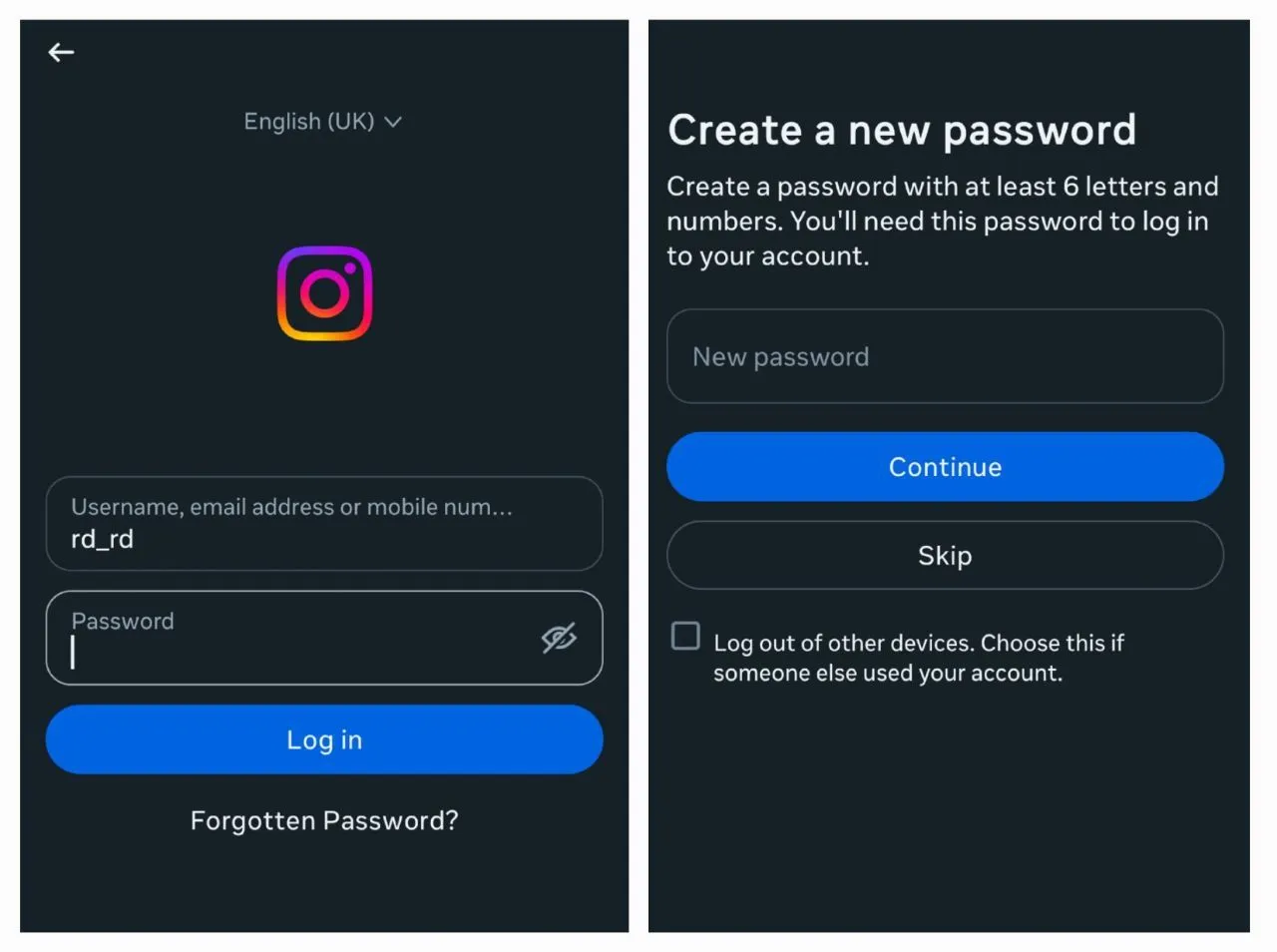
Try to log into your Instagram account and click on "Forgotten Password?"
-
Enter your associated Email address or phone number.
-
Instagram will send a verification code or a password reset link to your Email or phone number.
-
Now, create a new password for your account.
-
Log into your Instagram account.
 2. Reset Instagram password without Email
Forgetting Instagram passwords is more common than you can imagine. But what should you do when you forget your Instagram password and no longer have access to your associated Email? In this case, you can easily follow these steps:
-
Open the Instagram app on your phone
-
Try to log into your account
-
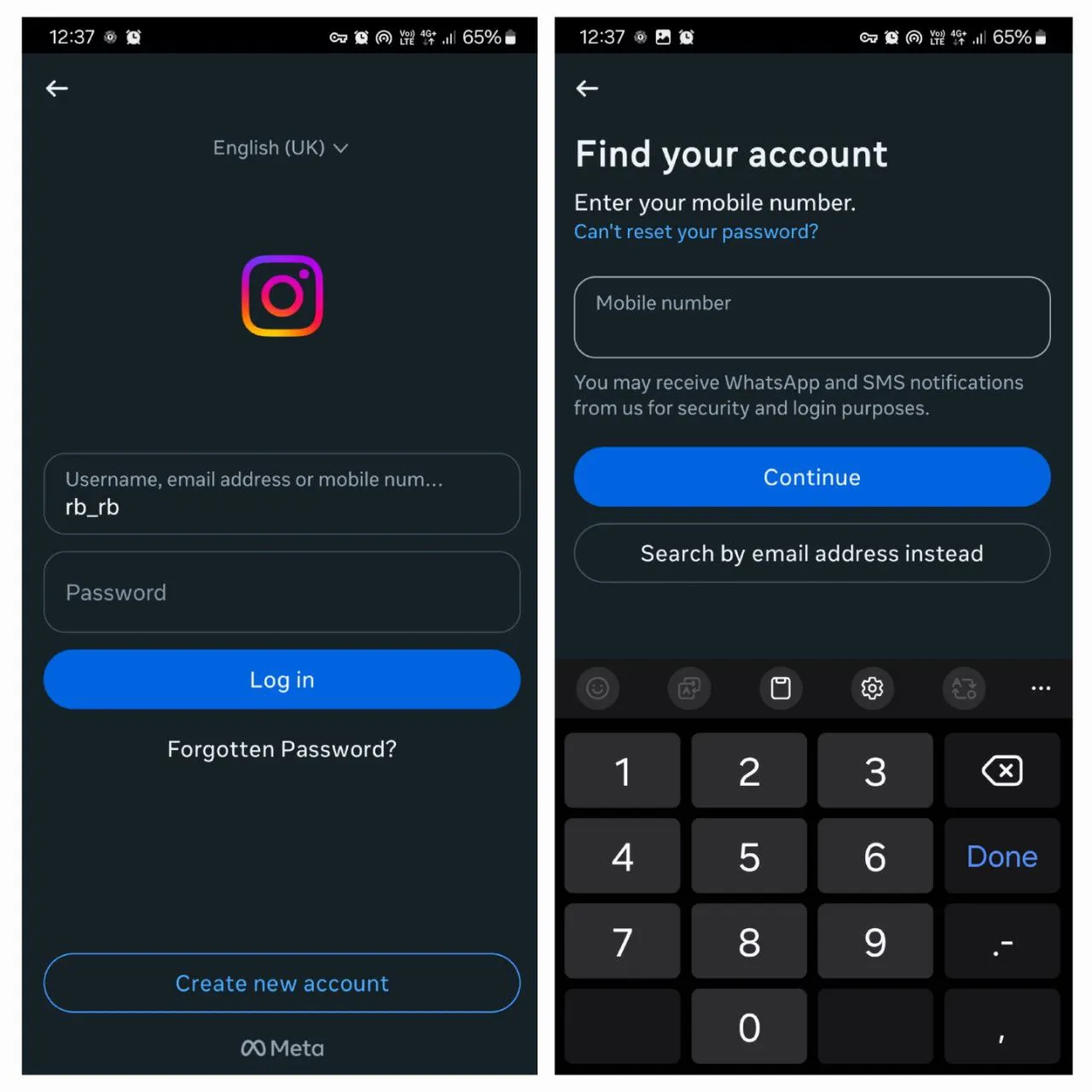
Tap “Forgotten Passwords?” on the login screen.
-
Enter your username, and if logged in on the device, you’ll be led to your profile.
-
But if you can’t log in and you don’t have access to your Email, click on “Search by Mobile number instead”
-
Enter your phone number and continue.
-
Create a new password and continue
-
Then log in to your account with the new password
 3. Reset Instagram password without phone number
Now that you know what to do when you don’t have access to your Email, you can guess what you should do when you don’t have access to your phone number. In this case, the process is in reverse, and you should find access through your Email. Let’s see what you can do:
-
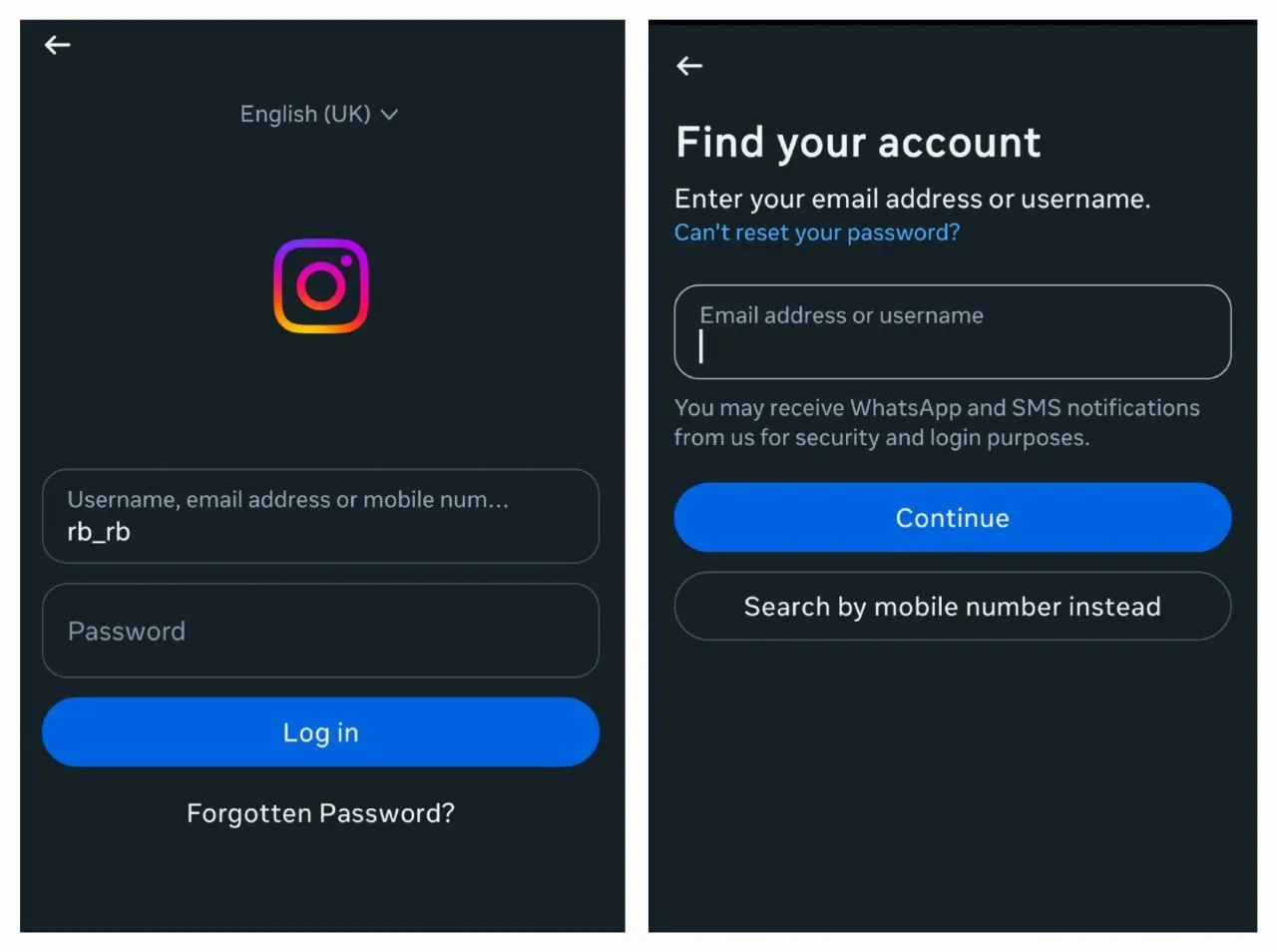
Try logging into your Instagram account.
-
Click “Forgotten Password?”
-
Type your Email address and continue
-
A code was sent to your Email account
-
Confirm your account by entering the code
-
If you didn’t receive any code, click on “Send Code Again.”
-
Then continue and access your account
 4. Can I recover Instagram account without Email and phone number?
Regaining access to your Instagram account was not hard when you lost your email or phone. But what if you lose your passwords, Email, and phone? It is hard and challenging to reset Instagram passwords this way, but not impossible. To reset Instagram passwords without email and phone numbers, follow these steps:
-
You need to report the problem to Instagram
-
Compose an email for an Instagram support account on [email protected]
-
Submit a support request and explain your request.
-
Provide as much detail as possible about your account, such as:
-
Your username and other identifying information
-
Instagram will review your case and assist in regaining access. This process may take less than 48 hours.
Instagram Login Help Centre
In this article, we tried to provide you with the best ways to reset Instagram passwords without authentication data. But if you already have any questions about regaining passwords, you can visit the Instagram Login Help Centre.
Conclusion
Formerly, if you lost your Instagram account, you couldn’t access your IG profile easily. But now, there are a lot of ways to reset Instagram passwords. No matter if you lost your email, phone, or both! There is still hope to regain access to your Instagram profile. Just follow the tips!
If you’ve reset your password or recovered your account successfully, please share your experience in the comments below!
Frequently Asked Questions
Use the "Forgotten Password?" option on the login screen. If you can’t access your email, select Search by Mobile Phone instead.
Yes, you can reset your password by receiving codes in your Email.
It is difficult but possible. You should compose an Email to [email protected] and explain your problem.
Thanks for review
Your comment has been submitted and will be displayed after approval.Login
Login | SignUpSimilar Posts
Losing access to an Instagram account is possible to happen for everyone. The process of recoveri...

Previously, Instagram Reels were used for creating fun content. But in today's online world,...
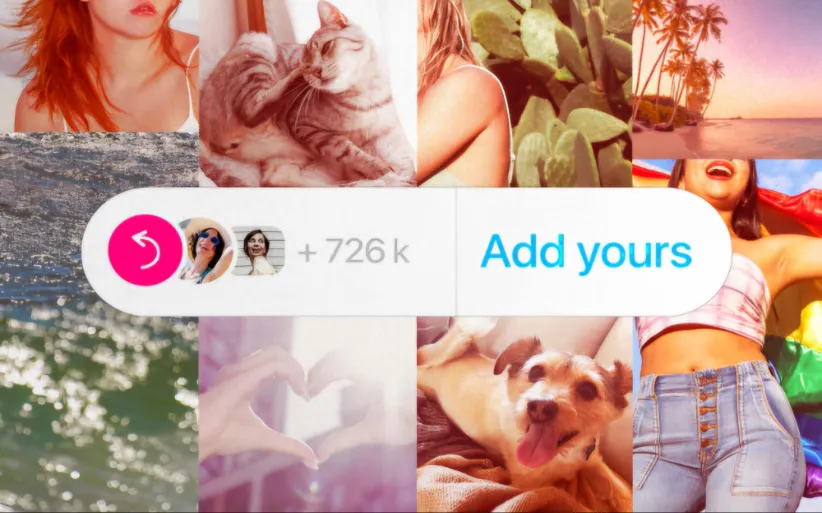
Instagram’s Add Yours sticker easily helps you to create engaging stories and increase enga...
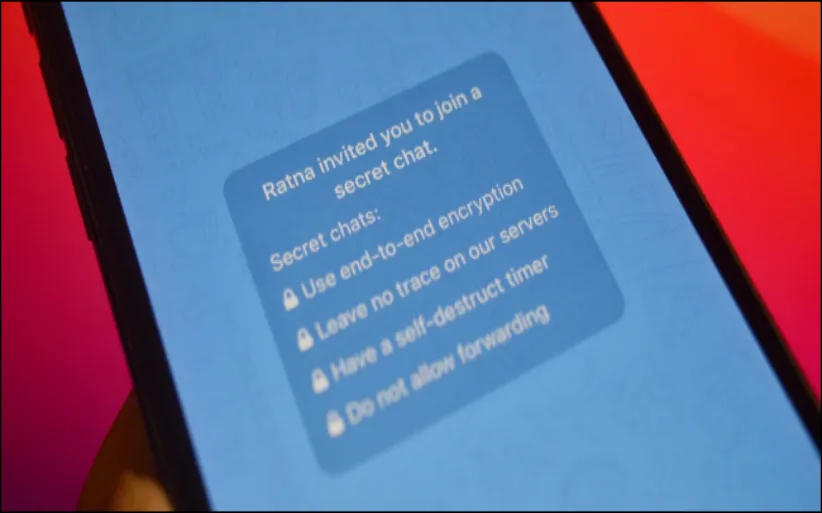
Have you ever wanted to speak with your friends on a safer platform? Telegram provides you with t...
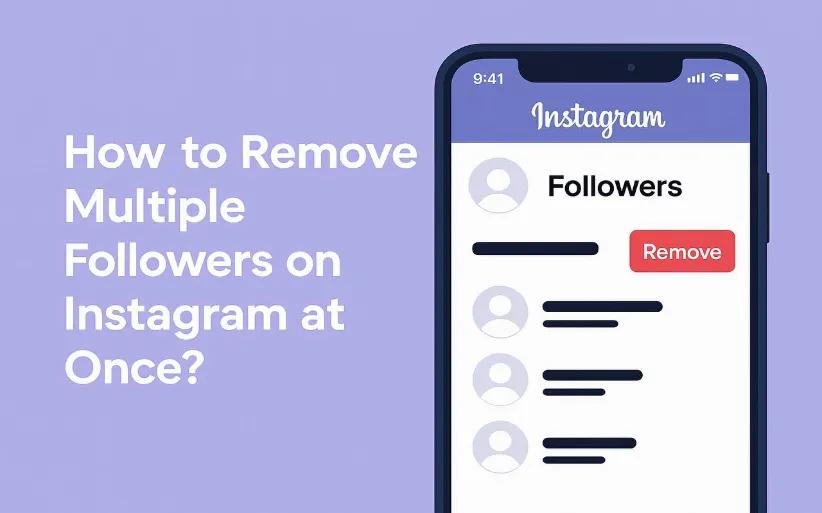
Frankly, having thousands of followers who never like, comment, or even remember why they followe...
YouTube is a powerful platform that not only plays a crucial role in people's academic and e...
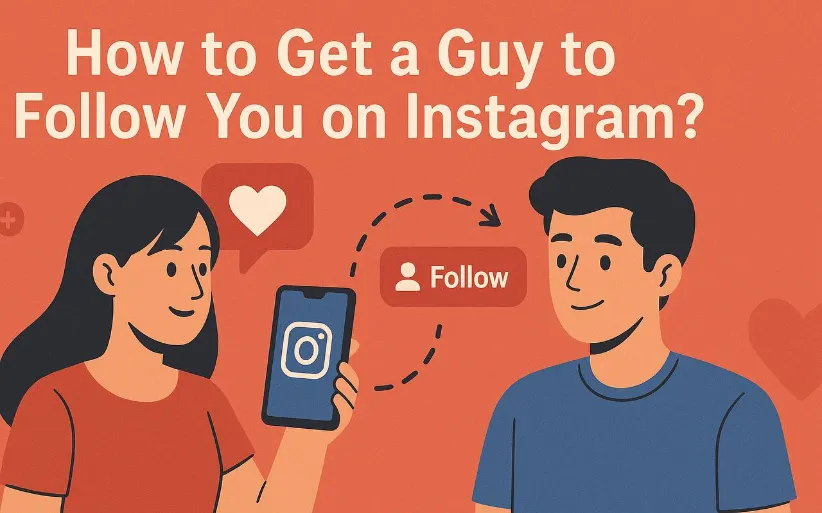
Do you want to increase your connections on Instagram? There are lots of ways to do so. Whether y...
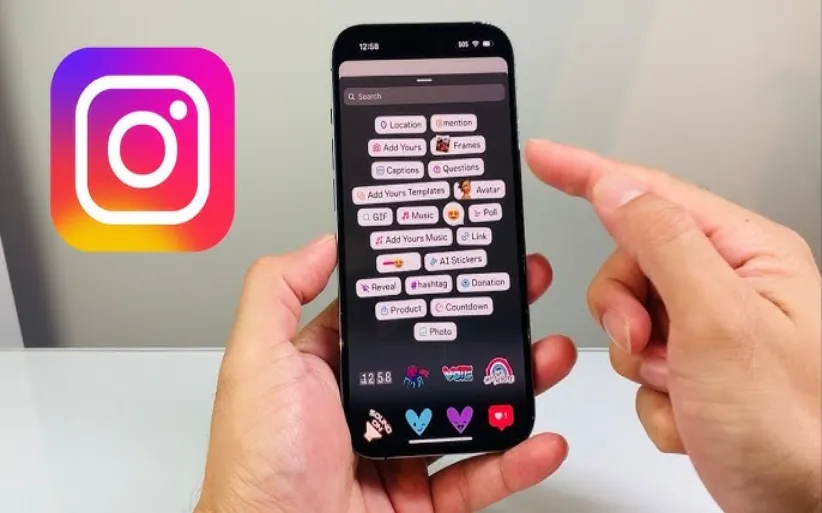
Did you know that you can share other people's stories? Sometimes, you feel like reposting o...
The Instagram algorithm is a frequently used phrase in social media. But what does it resemble? I...
Nowadays, engagement is the talk of social media. Fake followers, bots, or inactive accounts can ...