How to Remove Multiple Followers on Instagram at Once?

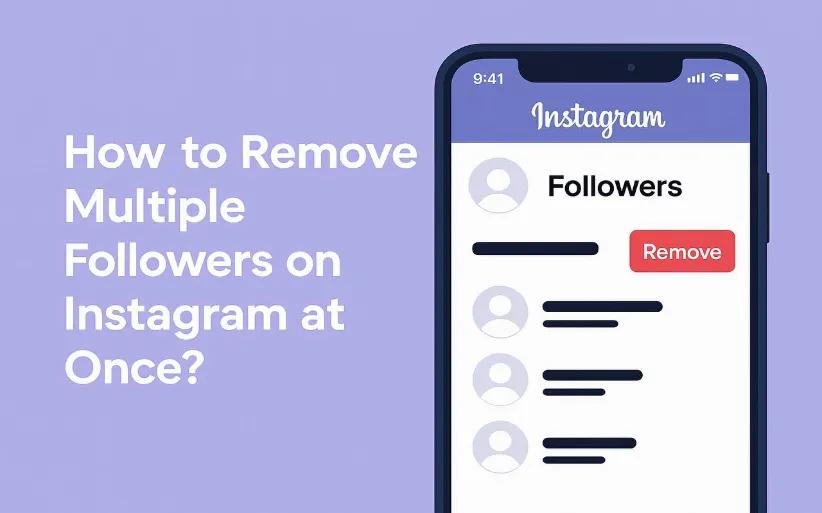
Frankly, having thousands of followers who never like, comment, or even remember why they followed you in the first place is not quite useful for your IG page. So if you’ve ever searched how to remove multiple followers on Instagram at once, we're here to help you.
Whether you’re dealing with ghost followers or spam accounts or just want a more engaged crowd, DrTelegram will walk you through the realistic ways to clean your follower list step-by-step. Then do not hesitate to read the article below.
How to remove multiple followers on Instagram at once?
You cannot remove multiple followers directly on Instagram. Due to some policies, this platform doesn’t let you mass-remove followers in one click. They’re trying to keep bots and bulk actions in check through these tough policies.
But you shall not give up just yet! There are smart workarounds and even a few tools that can help you speed things up without risking your account. Here are the most important ways to do it:
The Manual (and Safest) Way to remove multiple followers once
This is the most secure way and doesn’t require you to provide your login to random third-party apps:
1. Open the Instagram app
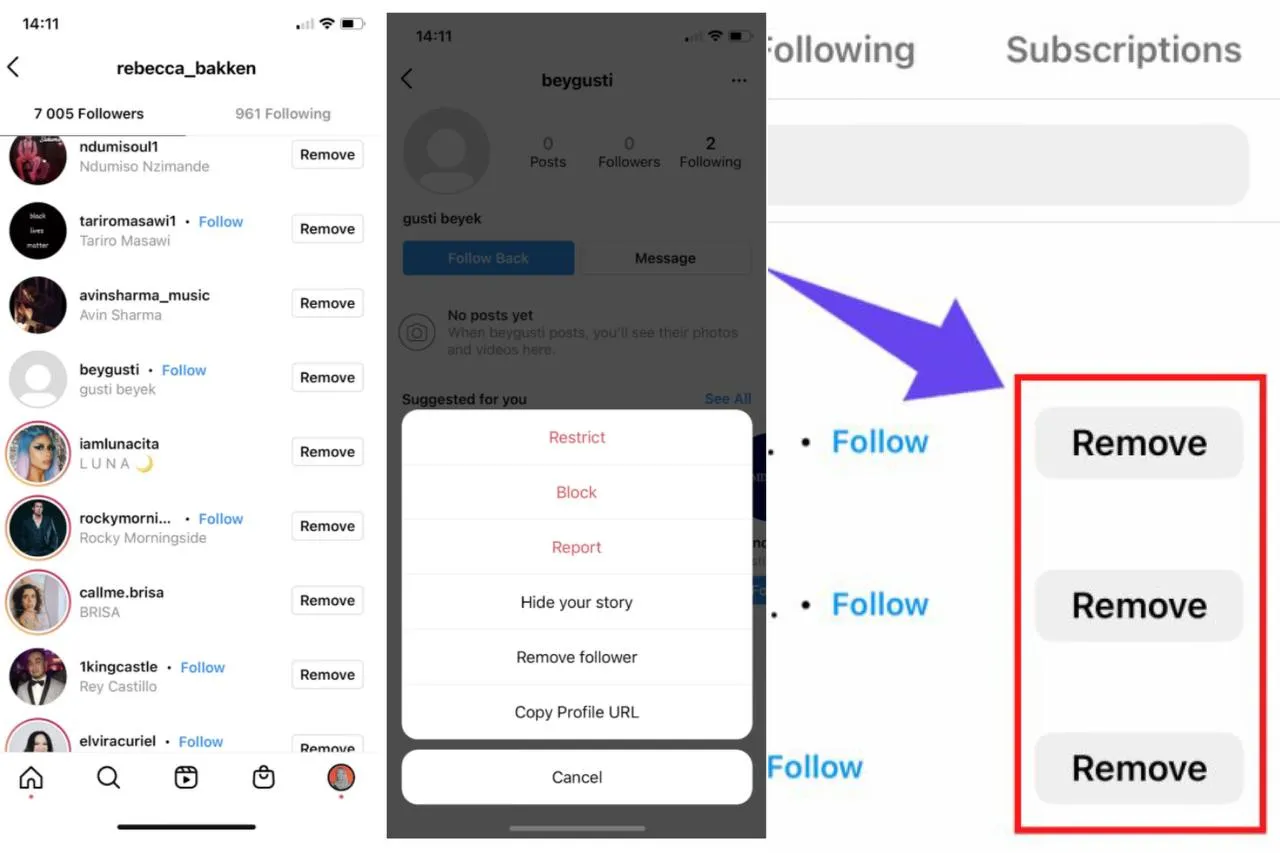
2. Go to your profile and tap “Followers”
3. Find the account you want to remove
4. Tap Remove (next to their name)
5. Confirm and done!
Now rinse and repeat. Yes, it’s a bit time-consuming. But if you’re only removing a small number of followers, this is your best bet.
Do you want to remove multiple followers on Instagram at once faster?
Use These Apps, But Be Careful.
If you’re aiming to remove dozens (or hundreds) of followers at once, third-party apps can help. But honestly, some apps may break Instagram’s rules. Using such apps can get you blocked or even banned by Instagram's algorithm. So always use qualified and trustworthy apps to do so.
Here are a few Instagram follower remover online apps that people use to remove multiple followers on Instagram at once in 2025:
-
Followers & Unfollowers (Android)
Track your unfollowers and remove them all at once!
-
Cleaner for IG (iOS)
This app was popular, but now it is limited due to some restrictions
-
Follower cleaner for Instagram
This app helps you identify inactive followers and clean them out
If you search these names on the App Store or Google Play, you'll be suggested the best unfollow app for Instagram free that helps you remove multiple followers on Instagram at once. Again, make sure to use safe methods! Don’t overdo it. Removing too many users at once can trigger Instagram’s anti-bot measures. Start removing less than 50 unfollowers per day.
How to remove all followers and following on Instagram at once?
While you can’t technically remove all followers and following at once, here’s how to do it:
-
Manually remove followers (yep, one by one)
-
Use a trusted app to mass unfollow accounts
-
Create a fresh account and build from the ground up
Whichever route you pick, take it slow and keep in mind that you need to make a clean, real, engaged community.
 How To Get Active Followers on Instagram?
One of the most trusted ways to gain followers on Instagram is to buy Instagram followers. You may think it's weak, but if done smartly, it’s not a red flag at all. Buying real and active followers can give your page a boost, specifically if you're at the start. But as your last tip in this article? Don't rely on numbers, but rely on connections.
Conclusion
It isn’t a one-click trick to remove multiple followers on Instagram at once. Yet, there are simple alternative methods. Whether you go manual, try an app, or start fresh, just remember to protect your account, don't break Instagram’s rules, and focus on real, human connections
Because at the end of the day, it’s not about looking popular; it’s about being valuable.
Now that you know how to remove followers on Instagram, just do it and tell us about the results!
Frequently Asked Questions
No, not from the native app. But there are manual trusted ways.
Not at all. Instagram keeps it quiet.
Make sure to use the safe ones and read the instructions before accepting them.
Only if they’re real. Use trusted agencies, avoid bots, and always combine it with strong content.
Thanks for review
Your comment has been submitted and will be displayed after approval.Login
Login | SignUpSimilar Posts
If you want to build a thriving community on Telegram, you need to expand your group's membe...
Losing access to an Instagram account is possible to happen for everyone. The process of recoveri...

Previously, Instagram Reels were used for creating fun content. But in today's online world,...
Instagram’s Add Yours sticker easily helps you to create engaging stories and increase enga...
Have you ever wanted to speak with your friends on a safer platform? Telegram provides you with t...
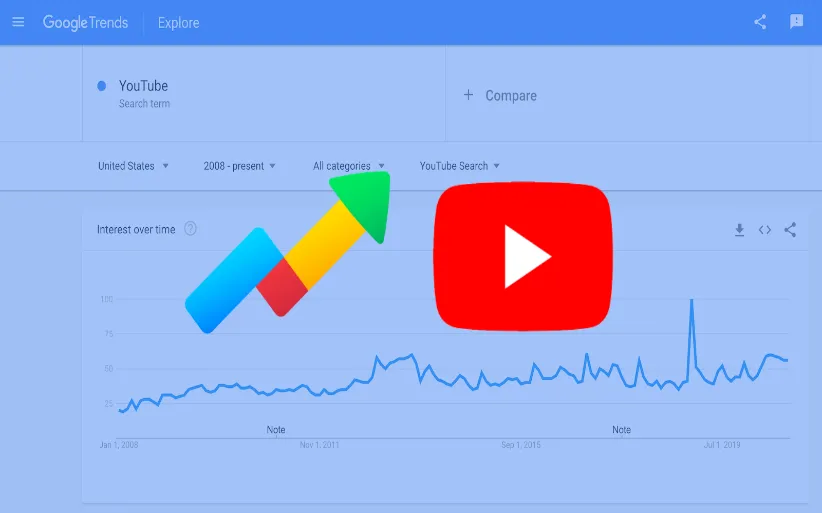
YouTube is a powerful platform that not only plays a crucial role in people's academic and e...
Do you want to increase your connections on Instagram? There are lots of ways to do so. Whether y...
Did you know that you can share other people's stories? Sometimes, you feel like reposting o...
The Instagram algorithm is a frequently used phrase in social media. But what does it resemble? I...
Nowadays, engagement is the talk of social media. Fake followers, bots, or inactive accounts can ...