How to use YouTube hashtags to get more views? + Methods that work

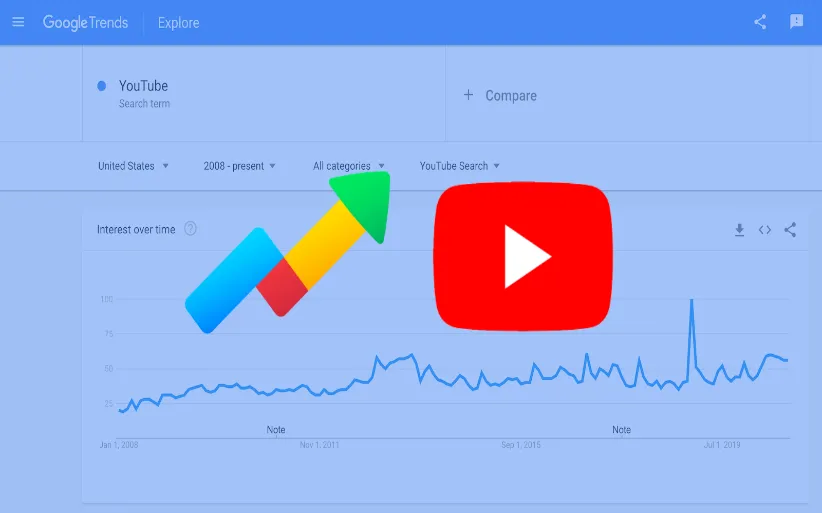
YouTube is a powerful platform that not only plays a crucial role in people's academic and entertaining lives but also helps you make money from it. By posting content on YouTube and gaining views, you can monetize your channel and potentially earn a substantial income. Whether you're posting YouTube Shorts or full-length videos, you need to increase the quality of your YouTube content. Hashtags can help you in this way as they help your content get discovered. But how to use YouTube hashtags to get more views? In this article from DrTelegram, we’ll show you why hashtags are important for YouTube views and how to use them correctly to boost our YouTube channel and get more views and subscribers.
Why Should You Use Hashtags on YouTube?
Hashtags are like certified labels that categorize your content and make it so simple for viewers to find YouTube videos related to that specified topic. The key to your video appearing in the YouTube explorer is using the right hashtags next to following other seo rules, such as buying YouTube views. This increases the chance of being seen by non-subscribers. Do not forget that every day, millions of videos are uploaded to YouTube. So use the right hashtags to get the chance of going to the explorer.
Use YouTube hashtags to get more views for Shorts
Shorts have their own unique algorithm that focuses on quick, engaging content. So, particularly, Hashtags for YouTube shorts are very important to be taken seriously. In the same way as hashtags in regular YouTube videos, YouTube Shorts hashtags help your content go viral in the explorer and search results. But since YouTube shorts stay shorter than regular videos, using trending hashtags is very important in helping the content to be seen..
But make sure to use trending hashtags for YouTube Shorts relative to your content. If not, the YouTube shorts algorithm won't recognize your content as valuable and prefers not to show it to others. Therefore, popular hashtags like Shorts or Trending will make your video easier to find, and you need to use hashtags that look interesting for both the user and the YouTube algorithm. Next to that, if you buy YouTube shorts views, you can increase your views and then easily boost your shorts and get monetized.
Where to Put Hashtags on YouTube Shorts?
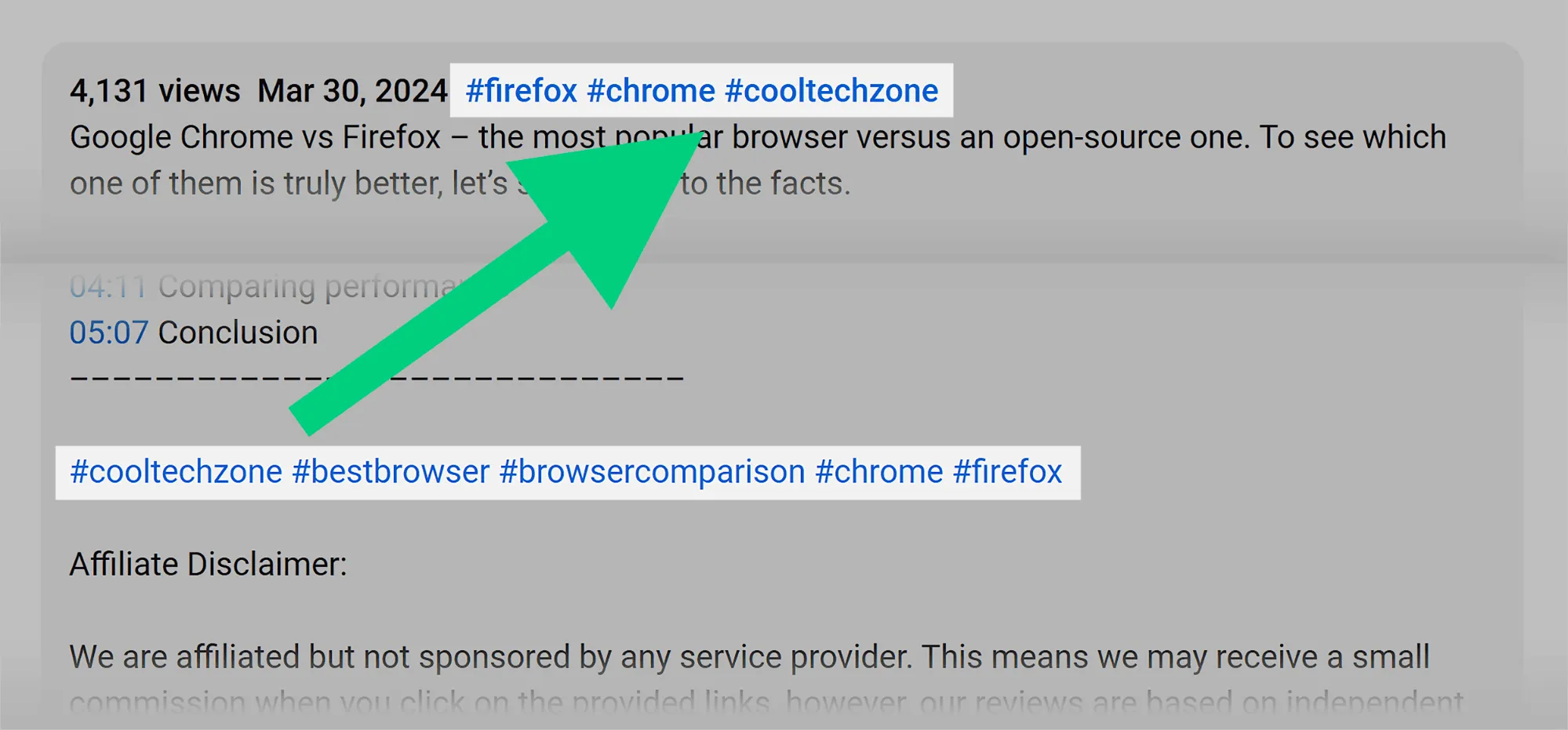
As with Instagram and other social media, hashtags should be included in the post description. However, on YouTube, you can put hashtags in the post Title as well, but in the form of keywords. This means that you can use the same hashtag phrase in the title, but without the #. Adding hashtags in the description doesn't clutter your title and helps YouTube's algorithm better understand the content of your video.
But make sure to use enough hashtags in your YouTube post. Overloading the title with hashtags can make your content look spammy and reduce its click-through rate, which has negative points for your channel. You can easily use 3-5 hashtags in the description to maintain the clarity of subjects and increase the chances of being seen by non-subscribers.
How Many Hashtags Are on YouTube?
In the previous part, we mentioned using 3-5 hashtags. But let's get specific. When it comes to hashtag counts on YouTube, there is no fixed number, but YouTube has set a limit that you have to follow, and there are seo rules that you have to obey. If not, you'll lose your audience, and the algorithm will unsee your content.
Although you can use up to 15 hashtags per video, it is better not to use the maximum number of hashtags. If you overuse hashtags, YouTube will spam your video entirely. Therefore, using 5-10 hashtags is typically a sweet spot for most YouTube viners.
So the key is to choose the most relevant hashtags, not the maximum number. You should focus on quality, not quantity, and make sure to use YouTube hashtags to get more views. Hashtags that are trending, popular, and niche-specific.
How to use YouTube Trending Hashtags?
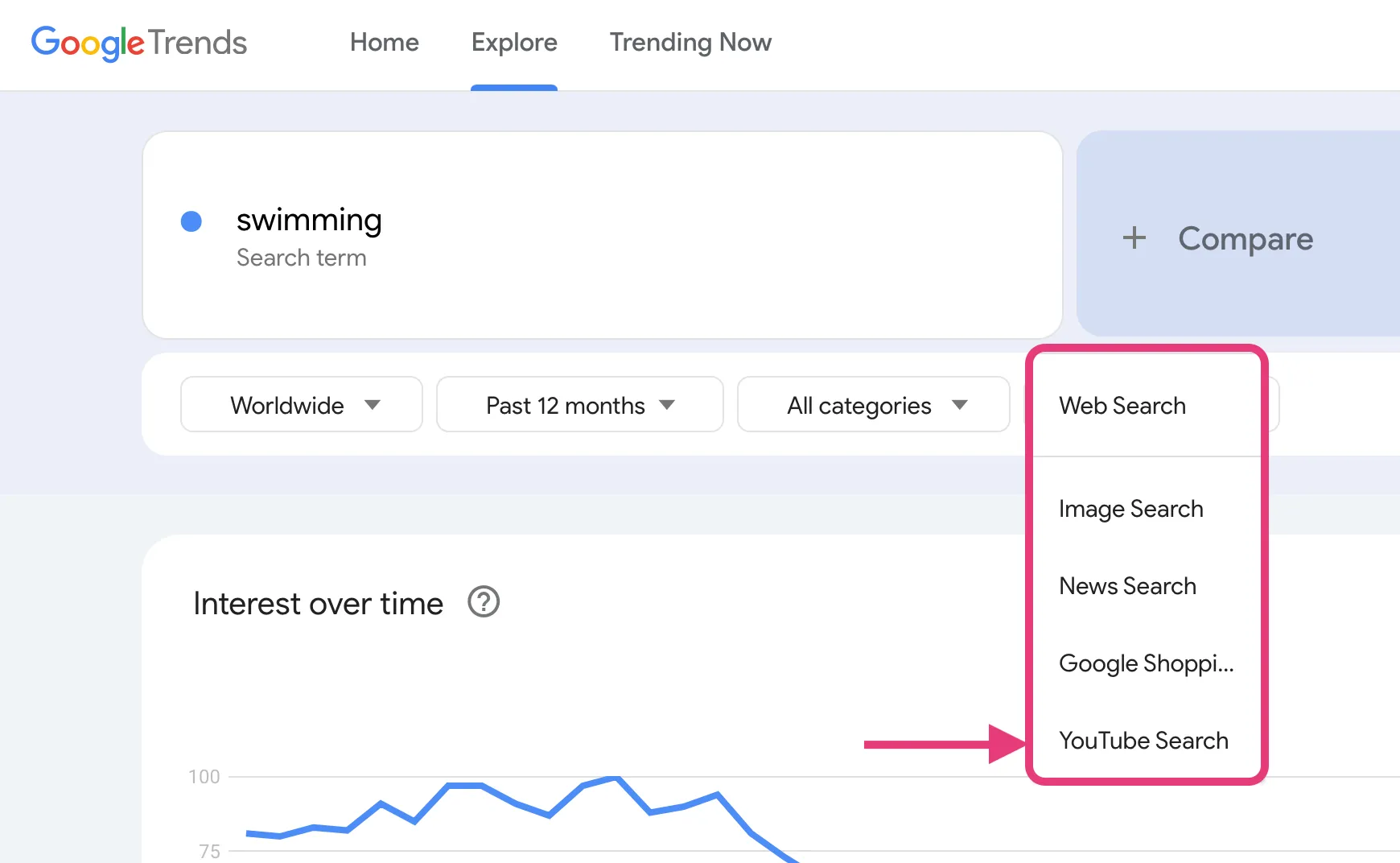
Using YouTube trending hashtags is a great way to tap into the current wave of attention. YouTube trending hashtags can be easily found through Google Trends, Reddit, and YouTube Explorers.
Using YouTube hashtags to get more views can help you go viral more easily than before. You can use trending campaigns, challenges, trending titles, and music to promote and support your YouTube content. But be sure to use trends that are relevant to your content to make entertaining videos.
What is the YouTube Hashtags Generator?
Whenever you are unable to find hashtags relevant to your videos, you can always turn to a YouTube hashtag generator. These tools analyze your video based on the video or your description and find relevant and trending hashtags based on your YouTube video topic. Some popular YouTube hashtag generator tools are:
-
Hashtagify
-
All Hashtag
-
RiteTag
So, if you're unable to find trending hashtags on your channel, you can count on YouTube hashtag generators. They can easily help your videos get discovered in a few minutes. While using generators, make sure to help the app analyze your video correctly and then use the most relevant hashtags to help your videos go viral.
YouTube Hashtags for Views and Subscribers
If you want to use hashtags to get 1k views on YouTube or more, you need to use both high-traffic and more targeted, niche-specific hashtags. By using broad hashtags that are not specific, you'll attract a wider audience. But if you combine them with more specific hashtags and find your target audience, you'll reach your ideal audience, who are more likely to subscribe to your channel.
Moreover, you need to consider adding calls to action in your video description and use YouTube services such as buy YouTube subscribers to boost your channel and monetize it in the blink of an eye!
Conclusion
Are you looking for a powerful tool that increases your YouTube video views? Hashtags are what you're looking for. Whether on YouTube Shorts or full-length videos, using hashtags can help you categorize your content and make it easier to get discovered by your target audience. In this article, we tried to explain to you how to use YouTube hashtags to get more views. Remember not to overuse hashtags. A balanced count of relevant, trending, and niche-specific hashtags can optimize your video’s reach and help your channel get monetized.
Follow these tips, use relevant hashtags on your YouTube videos, and after a while, please tell us what the results were. We are waiting for your comments!
Frequently Asked Questions
Use 3-5 hashtags in your video description. YouTube allows up to 15, but using too many hashtags may spam your content.
You can place hashtags in the video description. Avoid overloading your title with hashtags.
You can find trending hashtags by browsing the Explore tab on YouTube or using Reddit, Google Trends, etc.
If you use relevant hashtags, you’ll get more views, and you can monetize your channel.
Thanks for review
Your comment has been submitted and will be displayed after approval.Login
Login | SignUpSimilar Posts

If you want to build a thriving community on Telegram, you need to expand your group's membe...

Losing access to an Instagram account is possible to happen for everyone. The process of recoveri...

Previously, Instagram Reels were used for creating fun content. But in today's online world,...
Instagram’s Add Yours sticker easily helps you to create engaging stories and increase enga...

Have you ever wanted to speak with your friends on a safer platform? Telegram provides you with t...
Frankly, having thousands of followers who never like, comment, or even remember why they followe...

Do you want to increase your connections on Instagram? There are lots of ways to do so. Whether y...
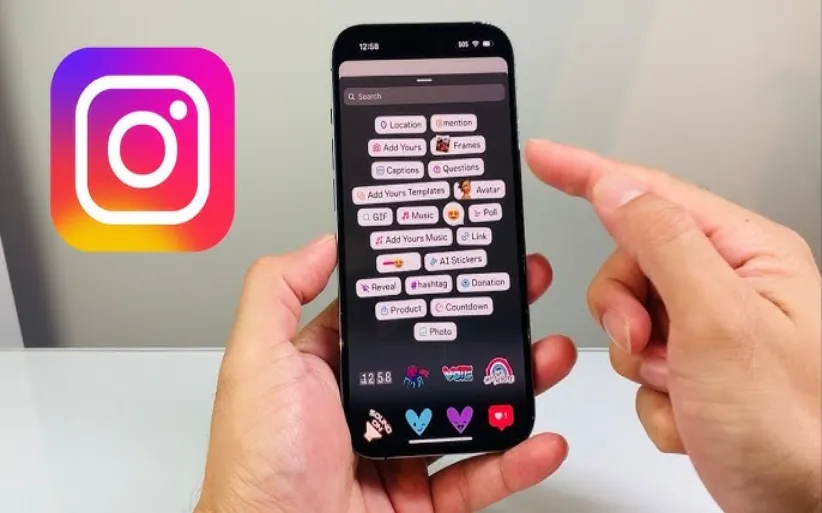
Did you know that you can share other people's stories? Sometimes, you feel like reposting o...

The Instagram algorithm is a frequently used phrase in social media. But what does it resemble? I...
Nowadays, engagement is the talk of social media. Fake followers, bots, or inactive accounts can ...